One library.
Every agent.
Install a skill once and send it to Claude Code, Codex, Cursor and 51 more — or just ask your coding agent to do it for you.
A skill is a folder with a SKILL.md in it: reusable instructions your agent loads when a task calls for them.
- Free and open source
- Signed and notarized
- No account, no telemetry
Central library
~/.skills-manager/skills
- claude-md-improver
- note-manager
- project-context
- skill-creator
- frontend-design
- react-best-practices
- adversarial-review
- brainstorming
Presets
Agent folders
~/.<agent>/skills
 ~/.claude/skills
 ~/.codex/skills
 ~/.cursor/skills
 ~/.gemini/skills
 ~/.config/opencode/skills
Or just ask your agent.
Skills Manager ships a command-line tool and a skill that teaches Claude Code, Codex and others to use it. They install and deploy through the same library and safety checks as the app, and the app updates as they work.
$ npx skills add xingkongliang/skills-managerDone. pdf from anthropics/skills is in your library and deployed to Claude Code and Codex.
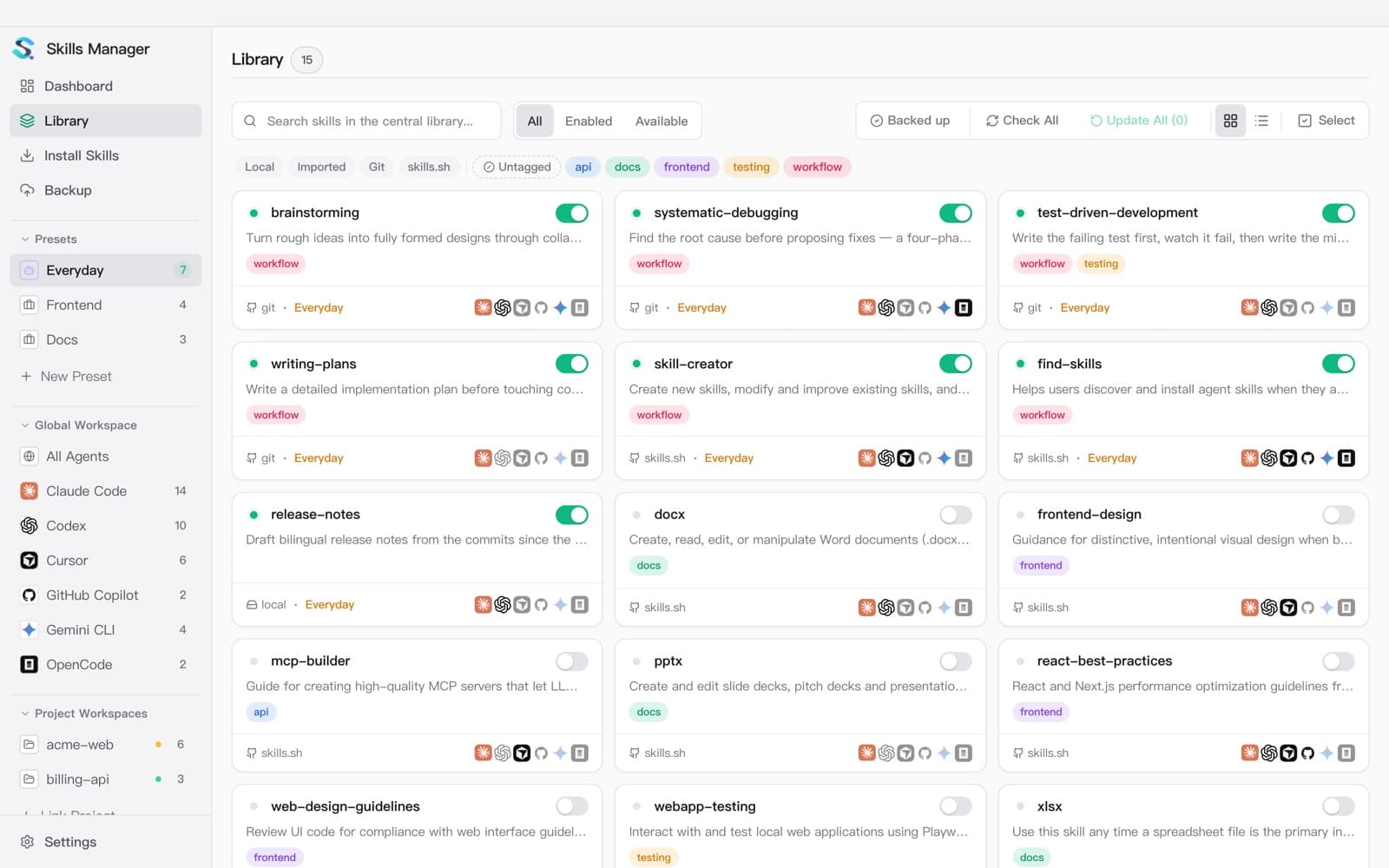
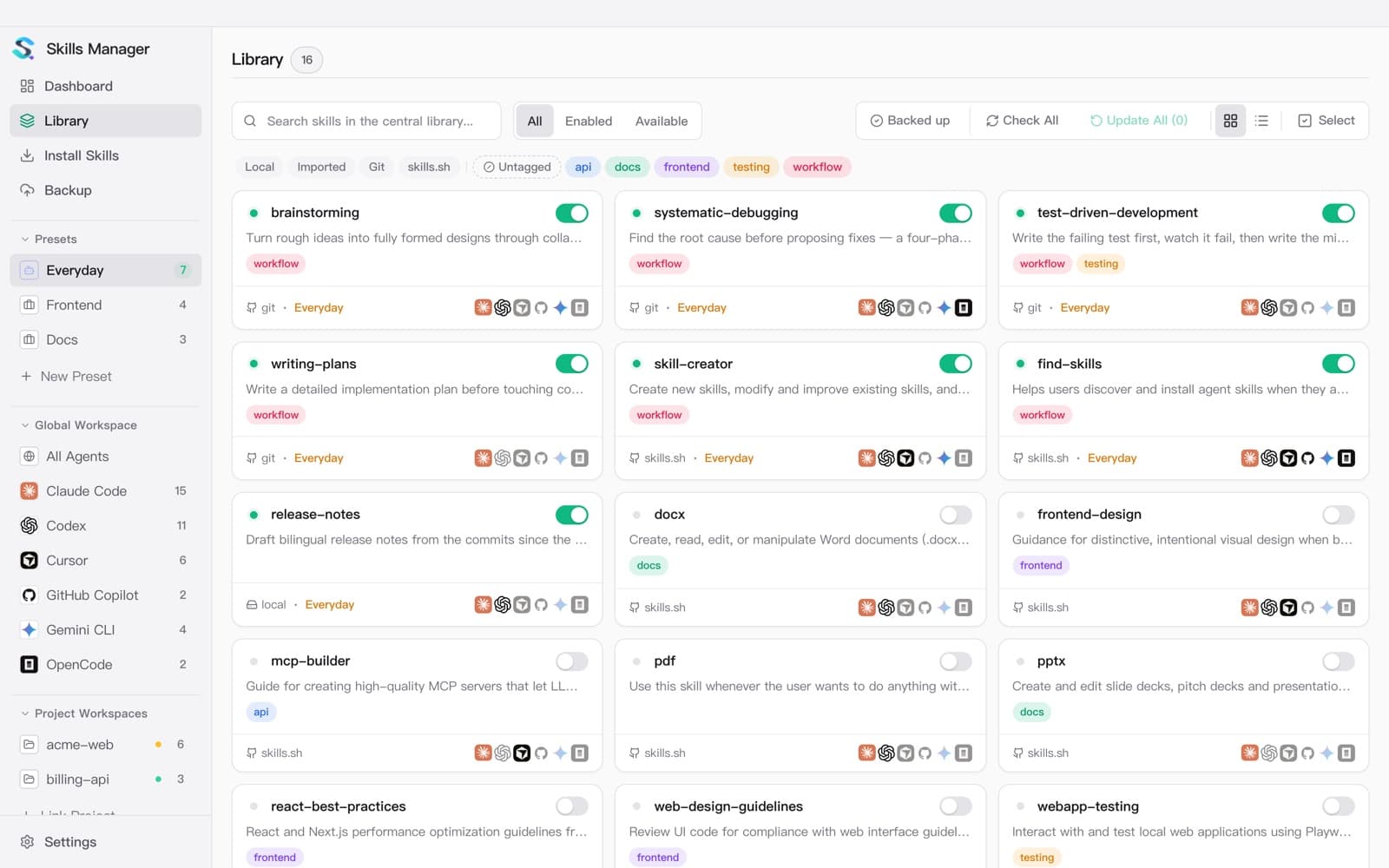
Your library, the marketplace and your repos.
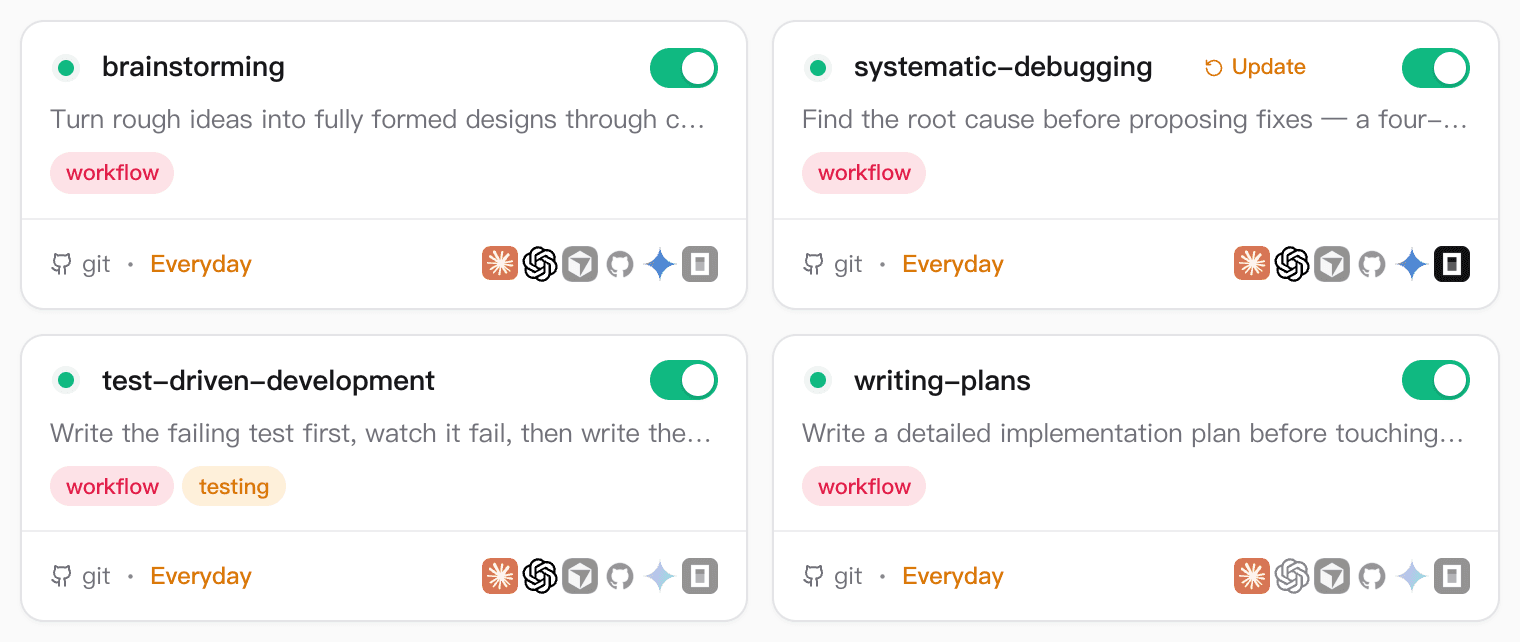
Deploy with a click
Every skill card shows every agent. Click an icon to give that agent the skill or take it away. When a skill's source changes, an Update badge appears, and updates can run on their own.
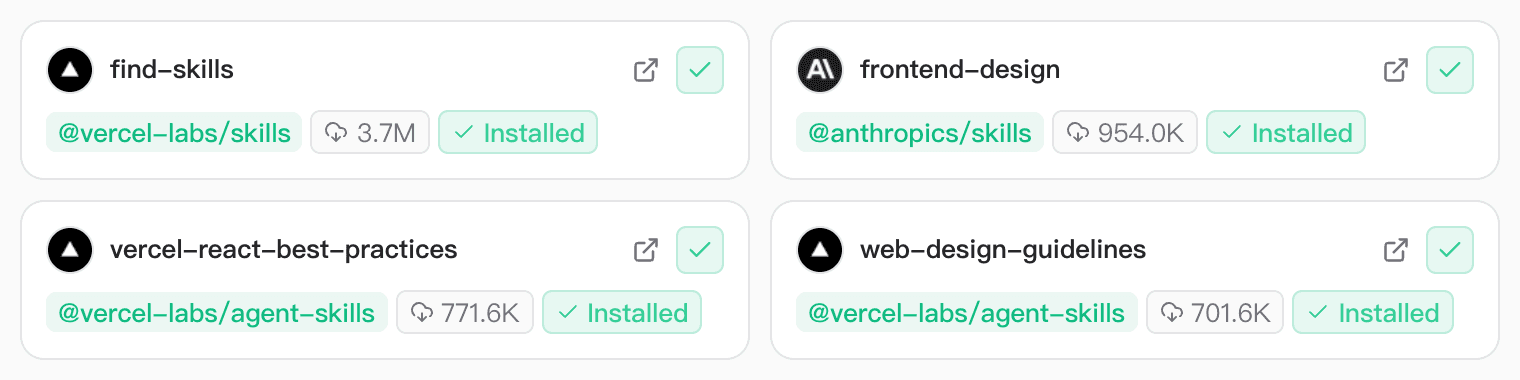
Install from anywhere
Browse the skills.sh marketplace with install counts, or install from a Git URL, a folder or a .zip.
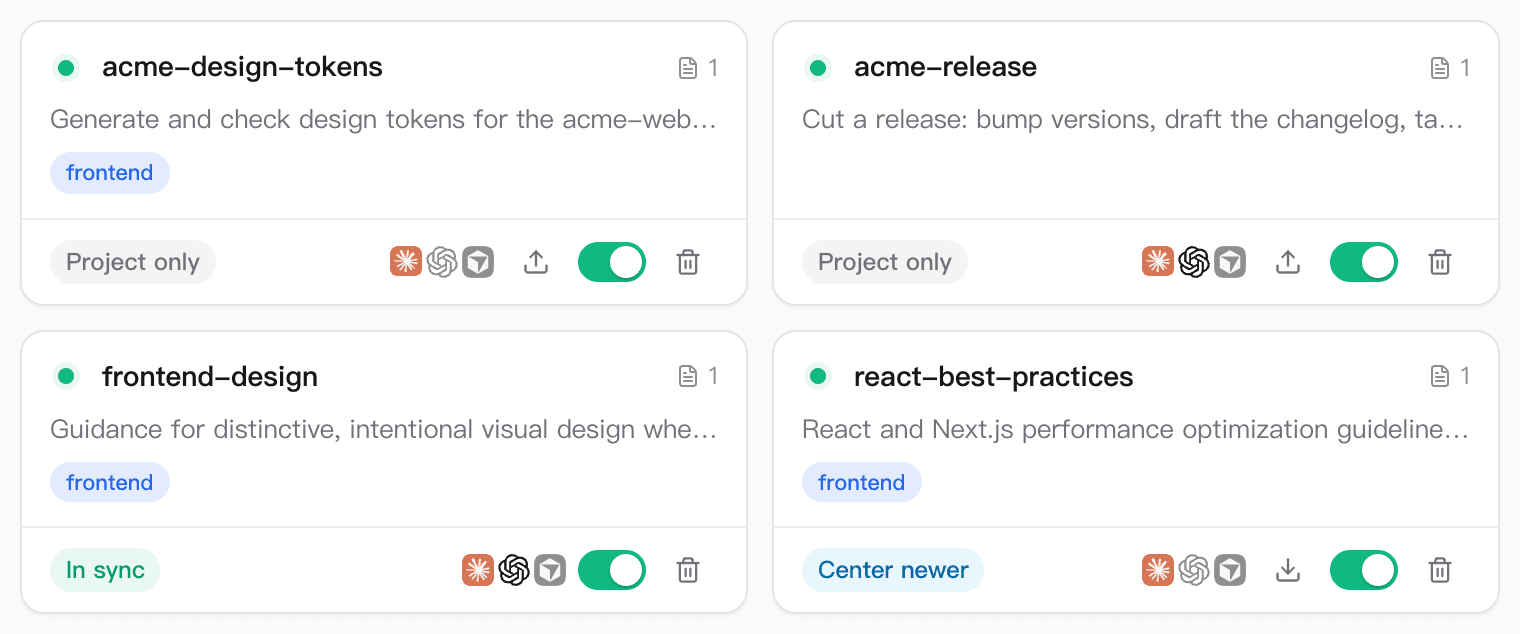
Project skills too
See the skills inside a repo: which match your library, which exist only in the project, and which are newer in the library. Sync in either direction.
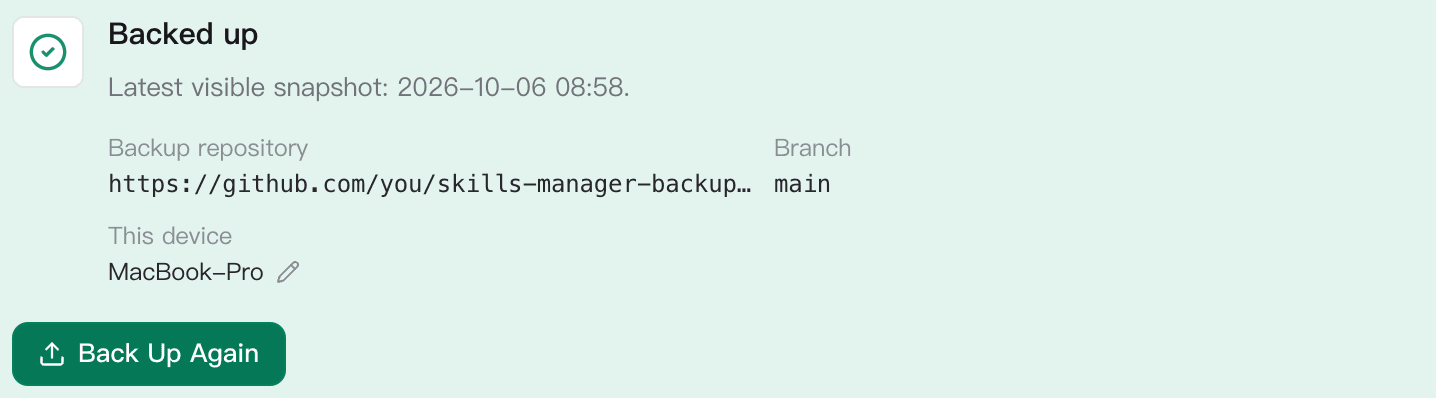
Back up and sync
Sign in with GitHub once. Your library is backed up to a private repo and kept in step across machines. A conflict never overwrites your copy, and the token stays in your OS keychain.
Works with 54 agents.
Skills go straight into each agent's own skills folder, so nothing changes on the agent's side. Missing one? Add any tool by pointing it at its folder.
- Cursor~/.cursor/skills
- Claude Code~/.claude/skills
 OMP Agent~/.omp/agent/skills
- Codex~/.codex/skills
 Grok~/.grok/skills
- OpenCode~/.config/opencode/skills
 Antigravity~/.gemini/antigravity/skills
 Amp~/.config/agents/skills
 Kilo Code~/.kilocode/skills
 Roo Code~/.roo/skills
 Goose~/.config/goose/skills
- Gemini CLI~/.gemini/skills
Questions people ask.
Will it touch the skills I already have?
No. It lists what is already in each agent's folder and leaves it alone. If a deploy would overwrite a folder Skills Manager doesn't manage, it refuses and names the path, so you can adopt that folder into your library or move it aside.
Does it copy skills or link them?
It uses symlinks by default, so every agent reads the same files. Switch to copies in Settings for tools that don't follow links.
What is a preset?
A named group of skills, such as Frontend or Docs. Apply it to an agent in one click, from the app or by asking your agent. A skill can belong to several presets.
Where do my skills live?
In ordinary folders under ~/.skills-manager/skills, one per skill, each with its SKILL.md. The local database only holds metadata, and it can be rebuilt from those files.
Does it send anything online?
There is no account and no telemetry. It goes online for what you ask it to do: browse the marketplace, install or update skills, check for a new version, and back up — only if you connect your own GitHub repository.
Can my coding agent use it without the app open?
Yes. The app publishes its command-line tool to ~/.skills-manager/bin, and every release also ships standalone binaries for macOS, Windows and Linux.
Download Skills Manager
Signed with an Apple Developer ID and notarized since v1.29, so it opens without a warning. Windows and Linux builds are published with every release.
brew install --cask skills-manager